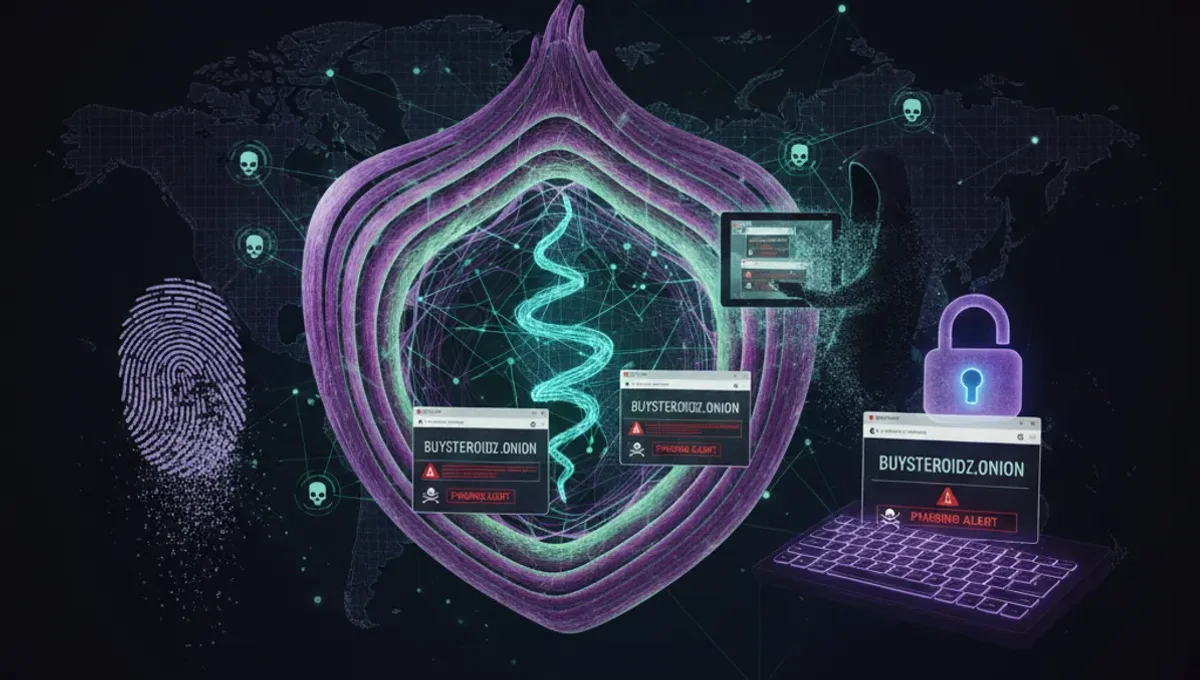
What Is the Darknet and How Does It Differ from the Deep Web?
The darknet is a subset of the internet intentionally hidden and accessible only through specific software like Tor. The deep web, by contrast, includes any part of the internet not indexed by standard search engines—such as email accounts, medical records, and paywalled content. Darknet markets are websites hosted on onion services (.onion addresses) that operate on the Tor network. Understanding this distinction is crucial because the deep web is largely legitimate, while darknet markets exist in a legal gray area depending on jurisdiction and what is being traded. The Tor network routes traffic through multiple volunteer-operated nodes, encrypting data at each layer so that no single node knows both the origin and destination of a message. This architecture is what enables the anonymity that darknet participants rely on.
How Tor Routing and Onion Addresses Work
Tor operates by routing your internet traffic through a series of encrypted relays operated by volunteers worldwide. When you connect to a Tor onion service, your traffic passes through multiple nodes before reaching the destination, and the destination server does not learn your real IP address. Onion addresses are long, seemingly random strings of characters (v2 addresses were 16 characters; v3 addresses are 56 characters) that serve as the location identifier for a hidden service. These addresses are derived from cryptographic keys, meaning they cannot be spoofed or impersonated without possessing the private key. This cryptographic binding is what makes v3 onion addresses more secure than their predecessors. When you visit an onion address, you are connecting directly to that service through Tor's encrypted tunnels, not through a traditional DNS lookup. This design prevents ISPs, network administrators, and most adversaries from seeing which onion sites you visit.
Installing and Configuring Tor Browser Securely
The Tor Browser is the recommended tool for accessing onion services safely. Follow these steps to set it up properly:
- Download Tor Browser only from the official Tor Project website to avoid phishing clones or compromised versions.
- Verify the signature of the downloaded file using the PGP key published by the Tor Project to confirm authenticity.
- Install Tor Browser in a dedicated directory and do not move or rename the application folder after installation.
- Launch Tor Browser and allow it to connect to the Tor network; this may take 30 seconds to a few minutes depending on network conditions.
- Once connected, open the Tor Browser settings and review privacy and security options; consider enabling the highest security level if you are accessing sensitive onion services.
- Do not maximize your browser window to full screen, as this can leak your screen resolution to websites you visit.
- Disable JavaScript in the security settings if you are accessing untrusted onion sites, as JavaScript can potentially compromise anonymity.
- Keep Tor Browser updated by allowing automatic updates or manually checking for new versions regularly.
Distinguishing Genuine Onion Addresses from Phishing Clones
Phishing clones are fake onion sites designed to steal credentials, cryptocurrency, or personal information by mimicking legitimate marketplaces. Because onion addresses are cryptographically derived and cannot be easily remembered, attackers create lookalike sites with similar names or slightly altered addresses. To verify a genuine onion address, obtain it from multiple independent sources—never rely on a single link from a forum or social media post. Legitimate marketplace operators publish their official onion addresses on their own websites and in verified announcements. Check for HTTPS encryption (indicated by a lock icon) and examine the full onion address in the address bar; even a single character difference means you are on a different server. Many phishing sites are hosted on the same Tor infrastructure as legitimate services, so network location alone does not guarantee authenticity. Cross-reference addresses with community discussions on established forums, but understand that forum posts can also be compromised. The most reliable verification method is checking PGP-signed announcements from the marketplace operator using their published public key.
Common Mistakes That Compromise Anonymity
New users often make operational security errors that can deanonymize them or expose them to theft. Reusing usernames across darknet and clearnet accounts creates a digital trail linking your identities. Maximizing your browser window or using plugins reveals your system configuration to websites, allowing fingerprinting attacks. Downloading files from untrusted sources without verifying signatures or checking file hashes can result in malware infection. Enabling plugins like Flash or Java in Tor Browser bypasses Tor's protections and can leak your real IP address. Torrenting over Tor is ineffective because BitTorrent clients typically ignore proxy settings and connect directly, revealing your IP. Taking screenshots of onion sites and sharing them on clearnet social media can expose sensitive information. Mixing Tor and non-Tor activity in the same browser session (for example, logging into a personal email account while using Tor) links your anonymous and identified personas. Using the same cryptocurrency wallet address across multiple transactions makes it possible to correlate purchases and potentially identify you through blockchain analysis.
Comparing Tor, VPN, and I2P for Anonymity
Tor, VPN, and I2P are three different approaches to anonymity, each with distinct trade-offs. Tor routes traffic through multiple volunteer-operated nodes and is designed specifically for anonymity; it is the only practical way to access onion services. VPNs encrypt traffic between your device and a single VPN server operated by a company; they hide your activity from your ISP but require trusting the VPN provider with your traffic. I2P is a decentralized network similar to Tor but optimized for internal communication rather than accessing external websites; it is less suitable for general web browsing but offers strong anonymity for peer-to-peer applications. Tor is slower than a VPN because traffic passes through multiple hops, but this design is what provides strong anonymity. A VPN does not provide anonymity if the provider logs traffic or cooperates with law enforcement. I2P requires more technical configuration and has a smaller user base than Tor. For accessing darknet markets and onion services, Tor is the standard choice because it is purpose-built for this use case and has the largest anonymity set.
Understanding OpSec Fundamentals for Darknet Users
Operational security (OpSec) is the practice of protecting sensitive information through disciplined behavior and technical controls. The core principle is compartmentalization: keep your darknet activities separate from your everyday online identity. Use a dedicated device or virtual machine for darknet browsing if possible, so that malware or forensic tools cannot access your other files. Never use personal information—real name, email address, phone number, or identifying details—when creating darknet accounts. Assume that any marketplace can be compromised, seized by law enforcement, or exit-scammed; do not store funds or sensitive data on a platform longer than necessary. Use strong, unique passwords for each account and store them in an offline password manager. Enable two-factor authentication on accounts that support it. When communicating on darknet forums or markets, avoid discussing your real location, occupation, or personal circumstances. Understand that law enforcement agencies operate honeypots and infiltrate communities; assume that any person you interact with could be an informant or undercover agent. Regularly review your activity for patterns that could identify you, and adjust your behavior accordingly.
Frequently asked questions
Is accessing darknet markets illegal?
Accessing the darknet itself is legal in most jurisdictions. Using Tor Browser and visiting onion sites is not inherently illegal. However, purchasing illegal goods or services on darknet markets is a crime. The legality depends on what you do, not where you do it. Law enforcement agencies monitor darknet activity and have successfully prosecuted users engaged in illegal transactions.
Can I be traced while using Tor?
Tor provides strong anonymity, but it is not absolute. If you use Tor incorrectly—for example, by maximizing your browser window, enabling plugins, or reusing usernames—you can be deanonymized. Law enforcement has successfully identified Tor users through operational security failures, malware infections, or by compromising Tor exit nodes. Using Tor correctly significantly reduces the risk of being traced, but no system is completely secure.
What is a v3 onion address and why does it matter?
A v3 onion address is a 56-character identifier for a hidden service that uses modern cryptography. V3 addresses are more secure than older v2 addresses (16 characters) because they use stronger encryption algorithms and are resistant to certain attacks. All new onion services should use v3 addresses. If you encounter a v2 address, it is likely outdated or operated by someone not following current security best practices.
How do I verify that a marketplace is legitimate and not a phishing clone?
Obtain the onion address from multiple independent sources, not just a single link. Check for PGP-signed announcements from the marketplace operator using their published public key. Visit the marketplace's official website or verified social media accounts to confirm the address. Be skeptical of addresses shared in private messages or unverified forum posts. Even small differences in the onion address mean you are on a different server, so compare the full address character by character.
What should I do if I suspect I have visited a phishing clone?
Stop using that address immediately and do not enter any credentials or personal information. Clear your Tor Browser cache and cookies. Verify the correct address through multiple trusted sources before visiting again. If you entered credentials on the phishing site, change your password on the legitimate marketplace from a different device and network. Monitor your account for unauthorized activity. Consider whether your real identity was exposed and take appropriate precautions.